Welcome to your High School Library Hub
Discover books, manage resources, and connect with learning — all in one streamlined space for students, teachers, and librarians.
Students
View & Borrow
Librarians
Manage Inventory
Teachers
Reserve & Issue

Features
For Librarians
- Inventory management
- Borrowing & return tracking
- Reports
For Students
- Easy book borrowing and returning
- Personal borrowing history
- Personal reading lists & recommendations
For Teachers
- Reserve multiple copies for class
- Share reading lists with students
- Monitor student engagement
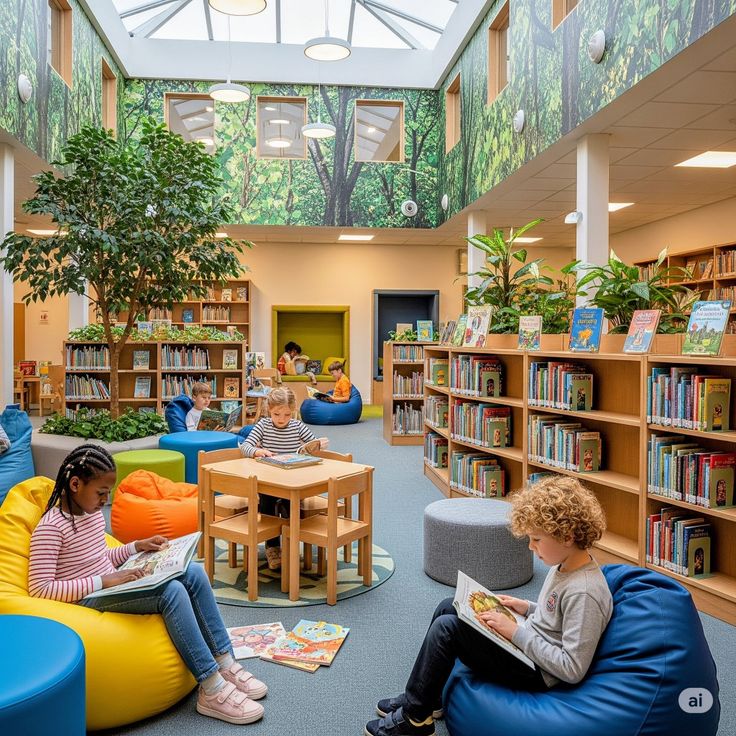
About the Library
Our mission is to create an inclusive space where every student can explore ideas, deepen their understanding, and enjoy the magic of reading. We value accessibility, collaboration, and curiosity-first learning.
Mission
Foster a life-long love of reading and support academic success.
Values
Access, inclusivity, curiosity, and support.
Ready to dive into a world of knowledge?
Sign in or create an account to start exploring and borrowing today.
Frequently Asked Questions
How do I borrow a book?
For teachers, Search the catalog, click "Borrow", and pick up the book at the circulation desk or use self-checkout if available. For students, borrow via the librarian.
How do I return a book?
Return books at the circulation desk or the book drop. Late fees may apply depending on school policy.
What if I forget my password?
Contact the admin staff to reset it for you.
Can teachers reserve books for class?
Yes — teachers can reserve copies and create class reading lists through their accounts.
Welcome Back
Log in to continue